
Turn Any Document Into a Video With Google Vids
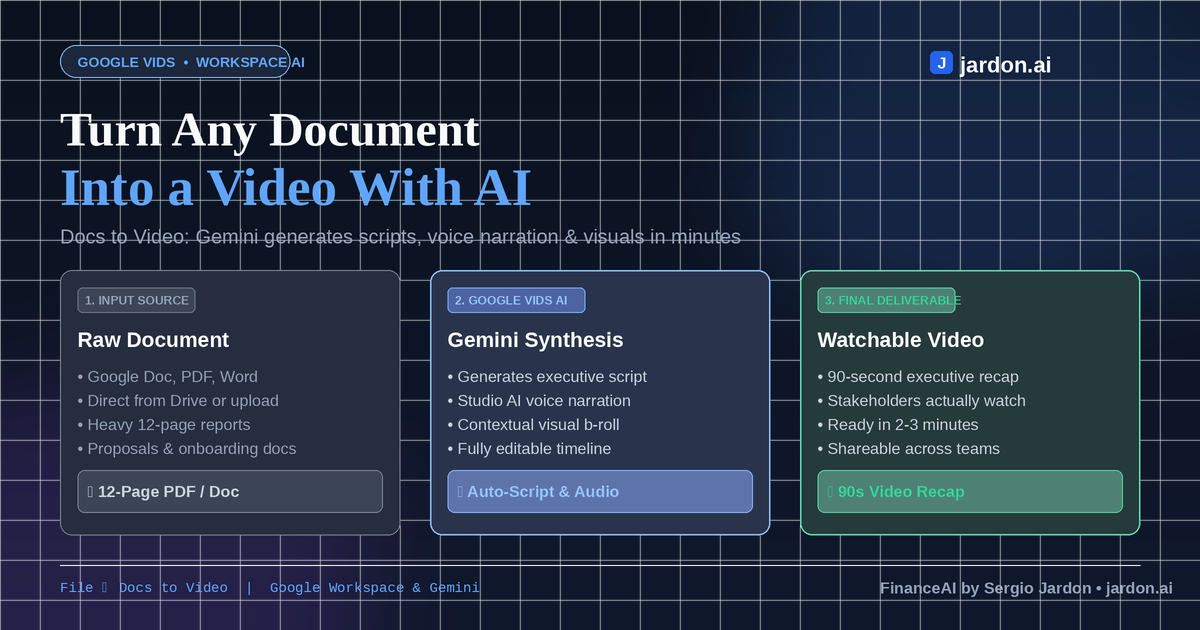
You don't need a script, a mic, or an hour in an editing timeline to turn a report into a video anymore. Google just rolled out a "Docs to Video" option inside Google Vids, and it's one of the more genuinely useful practical AI features rolling out this year.
Here's how it works: open Vids, go to File -> Docs to Video, and pick a Google Doc, PDF, or Word file. You can choose your files either from Drive or uploaded from your device. Gemini reads the document and automatically generates three things: a script summarizing the content, an AI narration track (with a choice of voices), and matching visuals and backgrounds to go with it. You end up with a short, watchable video summary in a couple of minutes, and you can still edit the script before it renders if it misses the point.
The obvious use case is the status report or proposal nobody has time to actually read. Turn a 12-page PDF into a 90-second video and your stakeholders will watch it instead of skimming the first paragraph and skipping to the recommendations. It's also handy for onboarding docs, meeting recaps, or turning research write-ups into something shareable outside your team.
Right now it's rolling out to Google Business, Enterprise, and Education Workspace accounts, plus Google AI Plus, Pro, and Ultra subscribers . For the rest of the users, the expected rollout is up to 15 days for accounts on the scheduled release track.
References
Gangwar, A. (2026, September 3). Google Vids will turn your boring documents into videos. Android Authority. https://www.androidauthority.com/google-vids-docs-to-video-3706624/